

CCL’s cyber security experts explore two critical PHP vulnerabilities, demonstrating how attackers could exploit them to execute commands on vulnerable web servers and highlighting the importance of timely security updates.
CVE-2026-109618 and CVE-2026-109619
Two critical flaws in the PHP runtime can allow an unauthenticated attacker to execute code on an affected web server. The PHP security team has released fixes and urges users to update immediately. A WordPress, plugin or application update alone does not patch the PHP runtime underneath it.
If your organisation uses PHP to serve websites or applications, identify the runtime actually handling requests, check its patch status and update affected installations. CCL has also built a free, low-impact online check to show what one of your public website responses reveals about its PHP version. It is a useful first step, not a vulnerability assessment.
AI-assisted tools and automated bots make it easier to search public websites at scale. We want organisations to have an accessible way to examine their own public information and understand what to verify next. The CCL checker makes an ordinary request to a website’s homepage and reads the response headers. It sends no exploit, upload or test payload and makes no changes to the website.
We have designed the result to explain the evidence and its limits. A hidden version is never treated as a clean bill of health, and an advertised older version is a reason to verify the installed package before deciding what remediation is needed. This is a free contribution to organisations and the wider cyber community: a practical first check that helps people ask the right questions.
PHP handles requests for many websites, portals and web applications. CVE-2026-109618 concerns out-of-memory handling that can interrupt request processing while internal data is only partly initialised. CVE-2026-109619 concerns stale request state that can survive after its memory has been freed. Either flaw can create a path to remote code execution in affected deployments. The PHP project describes a demonstrated Apache mod_php attack path that can be triggered before application code runs. PHP security advisory.
CCL’s team reproduced command execution in an isolated lab using a pinned PHP 8.4.26 Apache image. The web server and tester were contained on an internal Docker network. A fixed, harmless proof command wrote the web-worker identity to a lab volume; the team then checked the marker and that the service recovered. That confirms the behaviour for the tested build and configuration. It does not establish that any client’s site is exploitable, and the lab’s build-specific settings should not be applied to other PHP installations.
Include PHP behind WordPress and other content management systems, Laravel and other frameworks, administration tools, customer portals, internal applications, managed hosting, virtual machines and containers. Review each web-serving origin, PHP-FPM pool, Apache worker, deployment image, staging environment and legacy service. A public page that does not disclose PHP can still sit in front of a PHP application or shared hosting environment.
The PHP project lists these fixed upstream releases:
Install the appropriate fixed release, a later supported version, or a vendor package confirmed to contain fixes for both CVEs. PHP 8.1 and older are outside normal upstream support. Some distributions and long-term-support vendors provide backported fixes; the PHP team has also supplied emergency source backports for PHP 7.4, 8.0 and 8.1. An older-looking version string does not, by itself, prove that a vendor package remains unpatched. Ask your provider for the package and its security notice. PHP release and legacy guidance.
Only check a public website that you own or manage. The checker is free to use and does not ask for contact details before showing a result.
1. Open the check. On the CCL website, click Vulnerability Checks from the navigation. You can also open the PHP2Shell checker directly.

2. Enter your address. Type your public domain, IP address or web address into Website address. The check requests the public homepage, even if you enter a deeper page URL.
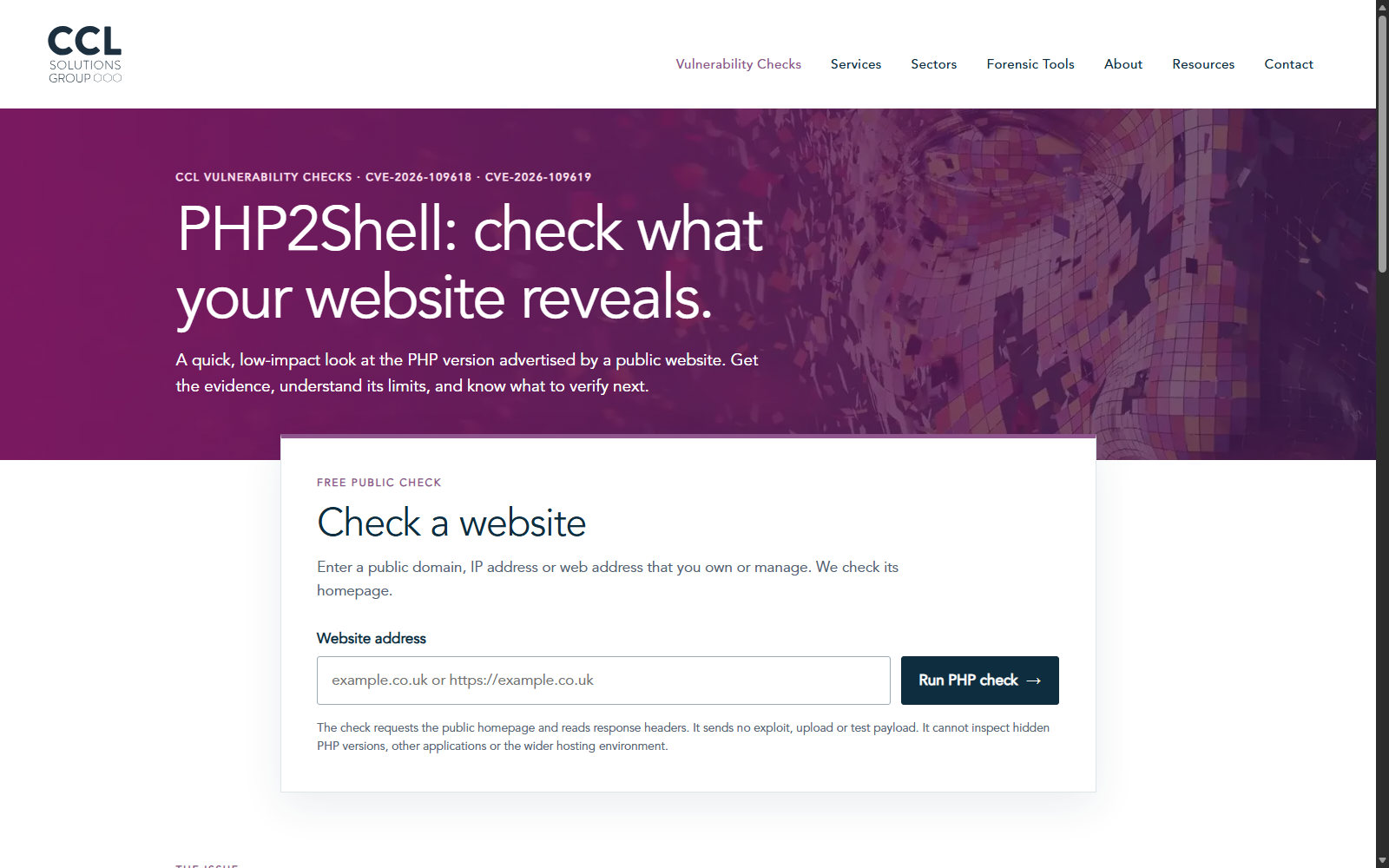
3. Read the observation and next step. The result shows the checked address, time, HTTP status and relevant public headers where available. It compares a single advertised PHP version with the fixed upstream release for that branch. It cannot inspect hidden runtimes, every server behind a load balancer or other applications on shared hosting.
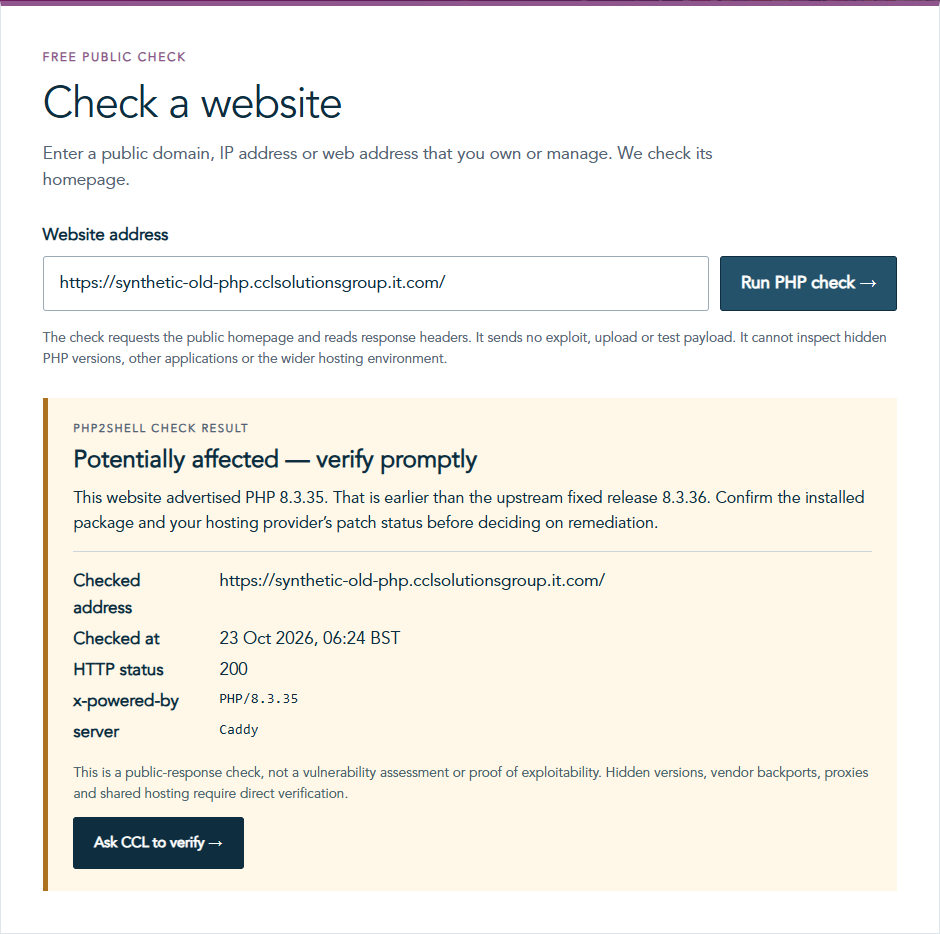
A CDN or reverse proxy can change which headers a visitor sees. Some sites also deliberately suppress the X-Powered-By banner. When no PHP version is visible, the checker reports unable to determine. That result cannot tell you whether PHP is installed behind the proxy or whether it has been patched.
Ask your hosting provider or application team which PHP build is actually serving web requests, whether fixes for both CVEs are present, and whether every relevant origin, pool and container has been updated and restarted or redeployed. Request the vendor’s advisory if the package uses a backported fix but still displays an older upstream version.
Cloudflare says it has deployed WAF protections for these issues, including for customers using its Free WAF ruleset. Those protections add a layer while organisations patch; Cloudflare itself says customers should still update PHP. A WAF rule or a hidden header is not evidence that the origin runtime is fixed.
If you cannot confirm what is running behind your website, or need independent assurance after patching, contact CCL’s Cyber Security team. We can help scope a review, web application and API penetration testing, or ongoing vulnerability scanning through CCL Protect.
Do not wait for an assessment before applying the available PHP security updates. The free checker is a starting point for a better conversation with your hosting provider or security team, not a verdict on whether your site is secure.
Our experts are on hand to learn about your organisation and suggest the best approach to meet your needs. Contact an expert today.
Get in touch

